
Scanner API-Daten mit einem Fabric Notebook sichern
Download Scanner API data with a Fabric Notebook
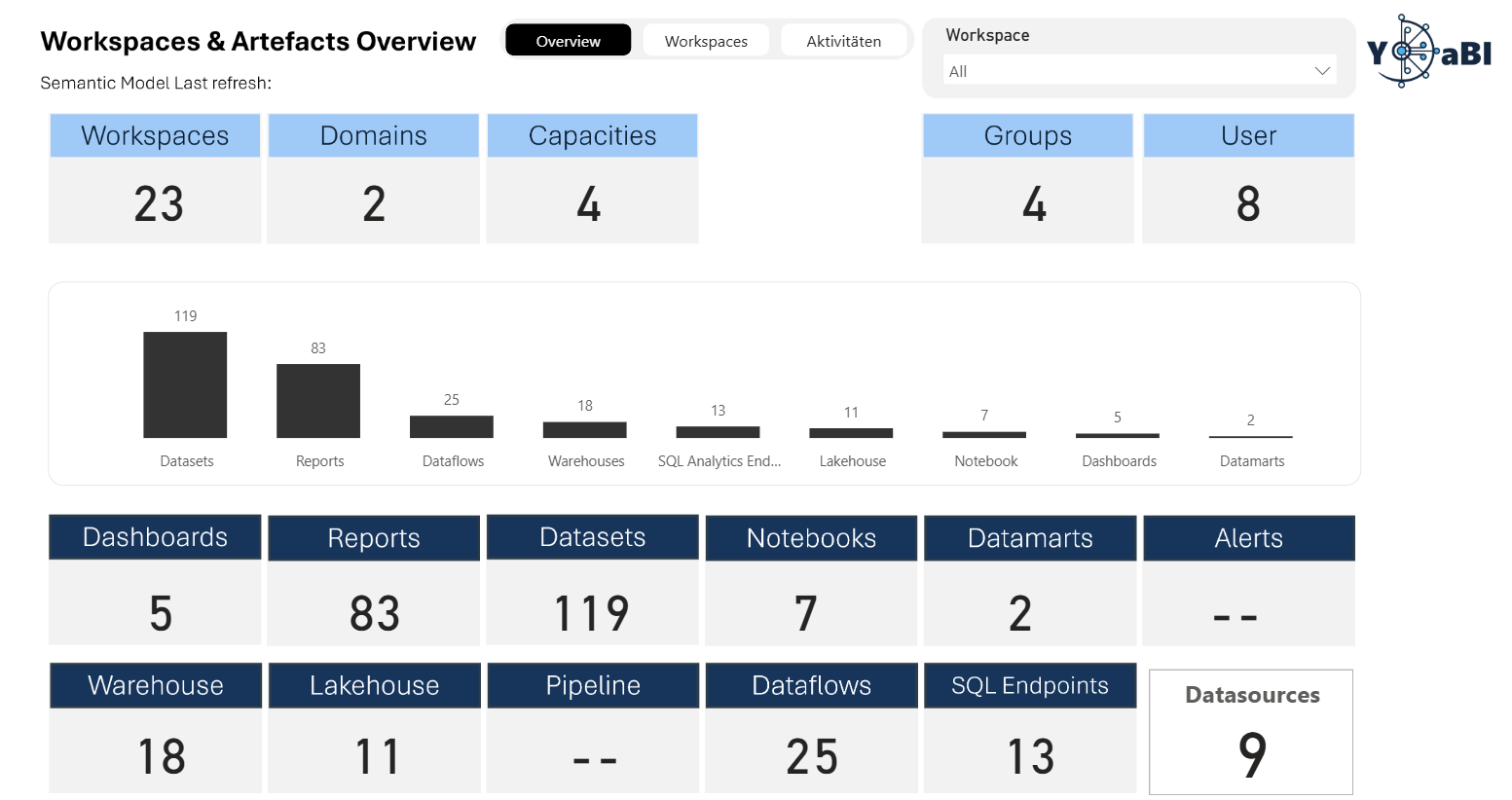
Ein kompaktes Setup, um Power BI Admin-Metadaten automatisiert zu scannen, als JSON zu speichern und später in Power BI auszuwerten.
A compact setup to scan Power BI admin metadata, store it as JSON and analyse it later in Power BI.
Ziel
Goal
Workspace- und Artefakt-Metadaten zentral ablegen.
Store workspace and artifact metadata centrally.
Ablauf
Flow
Authentifizieren, scannen, Status prüfen, Ergebnis laden.
Authenticate, scan, check status, retrieve results.
Output
Output
Datierte JSON-Datei im Fabric Lakehouse.
Date-stamped JSON file in the Fabric Lakehouse.
Warum ein Notebook?
Why use a notebook?
Bei mehr als 100 App-Workspaces kann Power Automate unhandlich werden. Ein Fabric Notebook gibt mehr Kontrolle über Authentifizierung, API-Aufrufe, Batch-Verarbeitung und Speicherung.
With more than 100 app workspaces, Power Automate can become difficult to manage. A Fabric Notebook gives more control over authentication, API calls, batching and storage.
Notebook-Ablauf
Notebook flow
Tenant ID, Application ID, Client Secret und Domain werden vorbereitet, idealerweise über Azure Key Vault. Zudem müssen TENANT_DEIRECTORY & Key_Vault angepasst werden.
Tenant ID, Application ID, Client Secret and domain are prepared, ideally via Azure Key Vault. In addition, TENANT_DIRECTORY and Key_Vault must be updated.
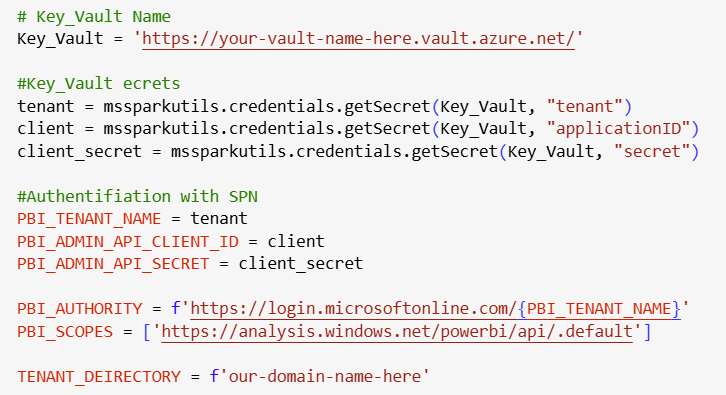
Das Notebook holt ein Token für die Power BI REST APIs und erstellt den Authorization Header.
The notebook gets a token for the Power BI REST APIs and creates the authorization header.
Die Scanner API verarbeitet Workspaces in Paketen, z. B. 100 Workspaces pro Durchlauf.
The Scanner API processes workspaces in batches, for example 100 workspaces per run.
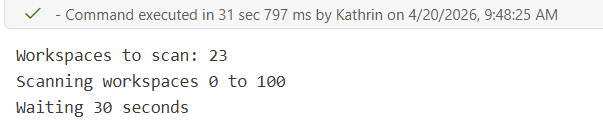
Nach dem Start wird der Scan-Status abgefragt. Sobald der Scan abgeschlossen ist, werden die Ergebnisse geladen.
After starting the scan, the status is checked. Once completed, the results are retrieved.
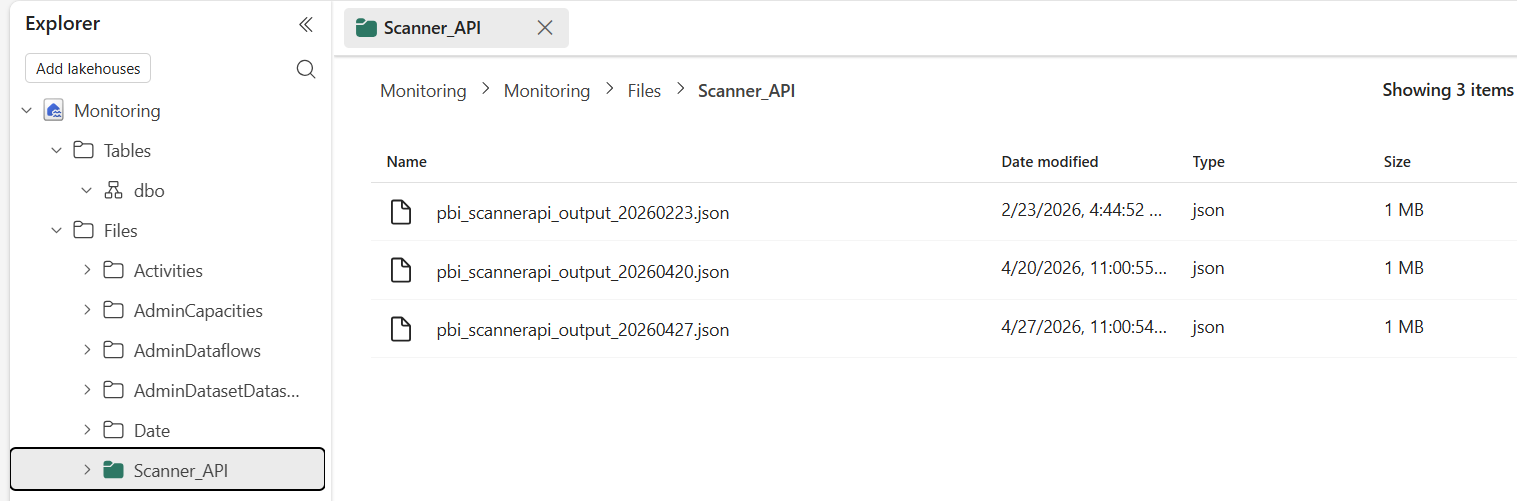
Die Scanner-Daten werden mit aktuellem Datum im Dateinamen gespeichert, damit Power BI später die neueste Version laden kann.
The Scanner data is stored with the current date in the file name so Power BI can load the latest version later.
Praxis-Hinweise
Practical notes
- Secrets nicht hart im Notebook speichern, sondern sicher verwalten.
- Die ausführende Identität braucht passende Power BI Admin API-Berechtigungen.
- Ein täglicher Scan eignet sich gut für Governance-Reports.
- Verschachtelte JSON-Strukturen müssen in Power BI gezielt erweitert werden.
- Do not hard-code secrets in the notebook; manage them securely.
- The executing identity needs the required Power BI Admin API permissions.
- A daily scan works well for governance reporting.
- Nested JSON structures need to be expanded deliberately in Power BI.
Fazit
Summary
Ein Fabric Notebook ist ein pragmatischer Weg, Scanner API-Daten regelmäßig zu sichern und als stabile Grundlage für Admin- und Governance-Reports zu nutzen.
A Fabric Notebook is a pragmatic way to capture Scanner API data regularly and use it as a stable foundation for admin and governance reports.